
Flexible Inner Blocks
By default, AlertsDLX alert blocks contain a single paragraph block for the alert description. Flexible InnerBlocks (Advanced) lets you insert any block type inside the alert shell.
Default Behavior
Without the advanced option enabled, the alert description area accepts core/paragraph blocks only. This keeps alert content simple and predictable.
Enabling Flexible InnerBlocks
- Select an alert block.
- Open the block Settings sidebar panel.
- Enable Flexible InnerBlocks (Advanced).
You can now add lists, images, columns, buttons, and other blocks inside the styled alert container.
Styling Expectations
The alert shell (background, border, icon, title, close button) is styled by AlertsDLX. Inner block styling beyond basic paragraph text may depend on your theme.
For example:
- A list inside an alert inherits your theme’s list styles.
- Images may need alignment or spacing adjustments from your theme or custom CSS.
- Complex layouts (columns, groups) work but may not match the alert’s built-in typography.
Test on the frontend after adding non-paragraph blocks.
When to Use Advanced InnerBlocks
- Multi-step instructions with ordered lists inside a warning callout.
- An info alert with an inline image and caption.
- A promo alert with a button block plus supporting paragraph text.
For simple tips and notes, the default paragraph-only mode is usually sufficient.
Related
- Alert Blocks Overview — Block sidebar and toolbar options.
- Use Cases — Flexible content panel examples.
 Use Cases
 Features
 Schemes
 Layouts
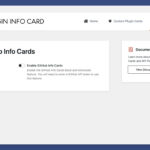 Enabling GitHub Info Cards
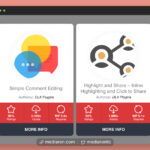 GitHub Info Cards
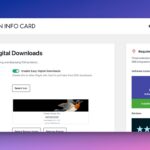 Easy Digital Downloads Integration
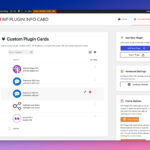 Custom Plugin Cards