

Open GenerateBlocks → Shortcuts. Under Miscellaneous, use Enable Adobe Fonts in the Block Editor.
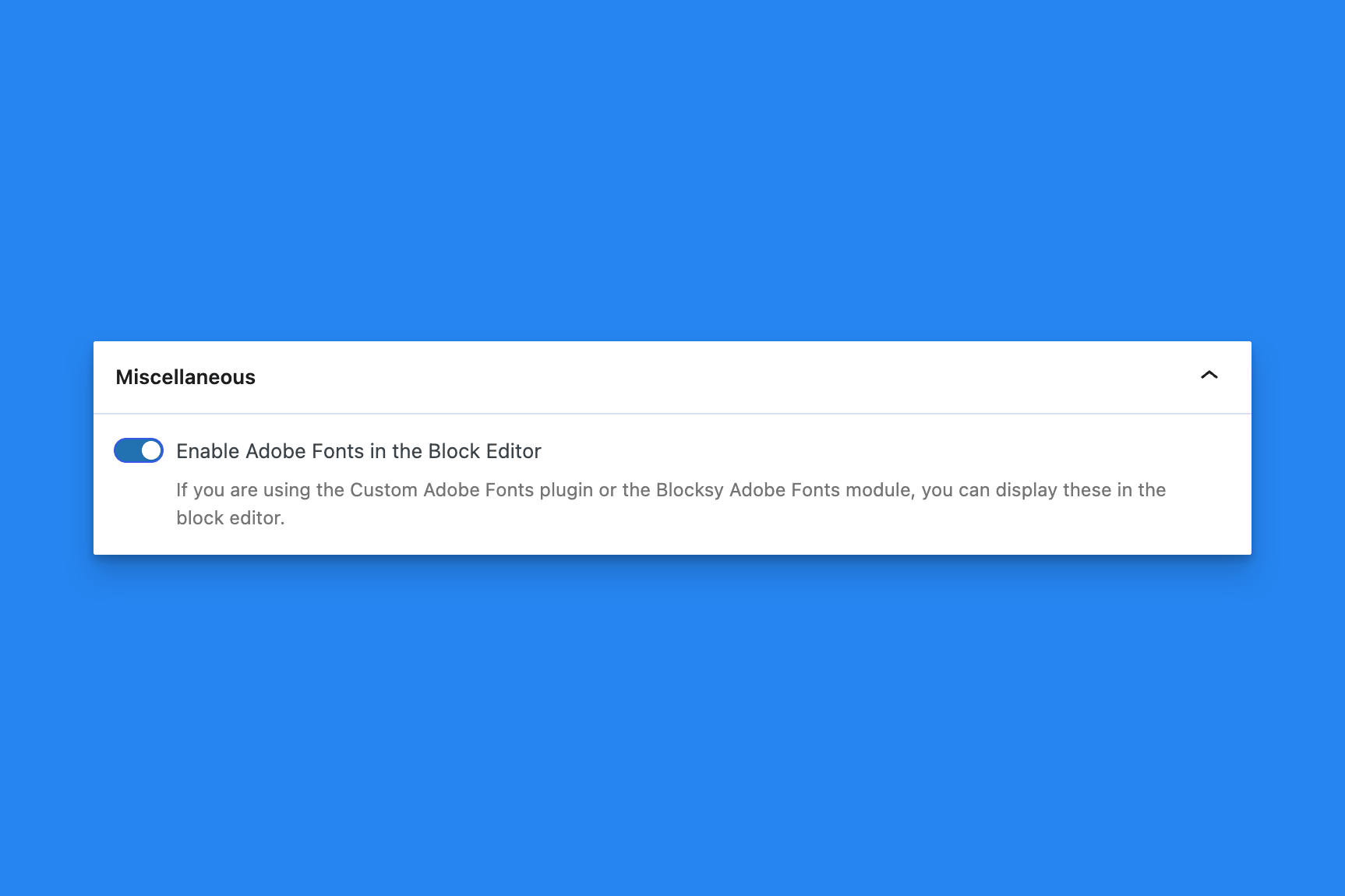
When this is on, Adobe Fonts from the Custom Adobe Fonts plugin, or from the Blocksy Adobe Fonts module, appear in the GenerateBlocks typography font list. The option is on by default.

If neither of those font sources is active, the toggle does not add fonts by itself. Install and connect the font source you use, then open a GenerateBlocks typography control and look for those families.
This option is optional if you use the GeneratePress theme, as it already covers the typography options.
Select Save Options after you change the toggle. Open the editor again so the font list refreshes.
Turn the option off to hide those Adobe families from the GenerateBlocks picker.
 Process Pasted Patterns
 Post Type Styles
 Block Settings
 Markdown to Text
 Auto-Regenerate Styles on Save
 Admin Menu Bar