

Enable the Markdown to Text Block in GenerateBlocks → Shortcuts, inside Block Settings.
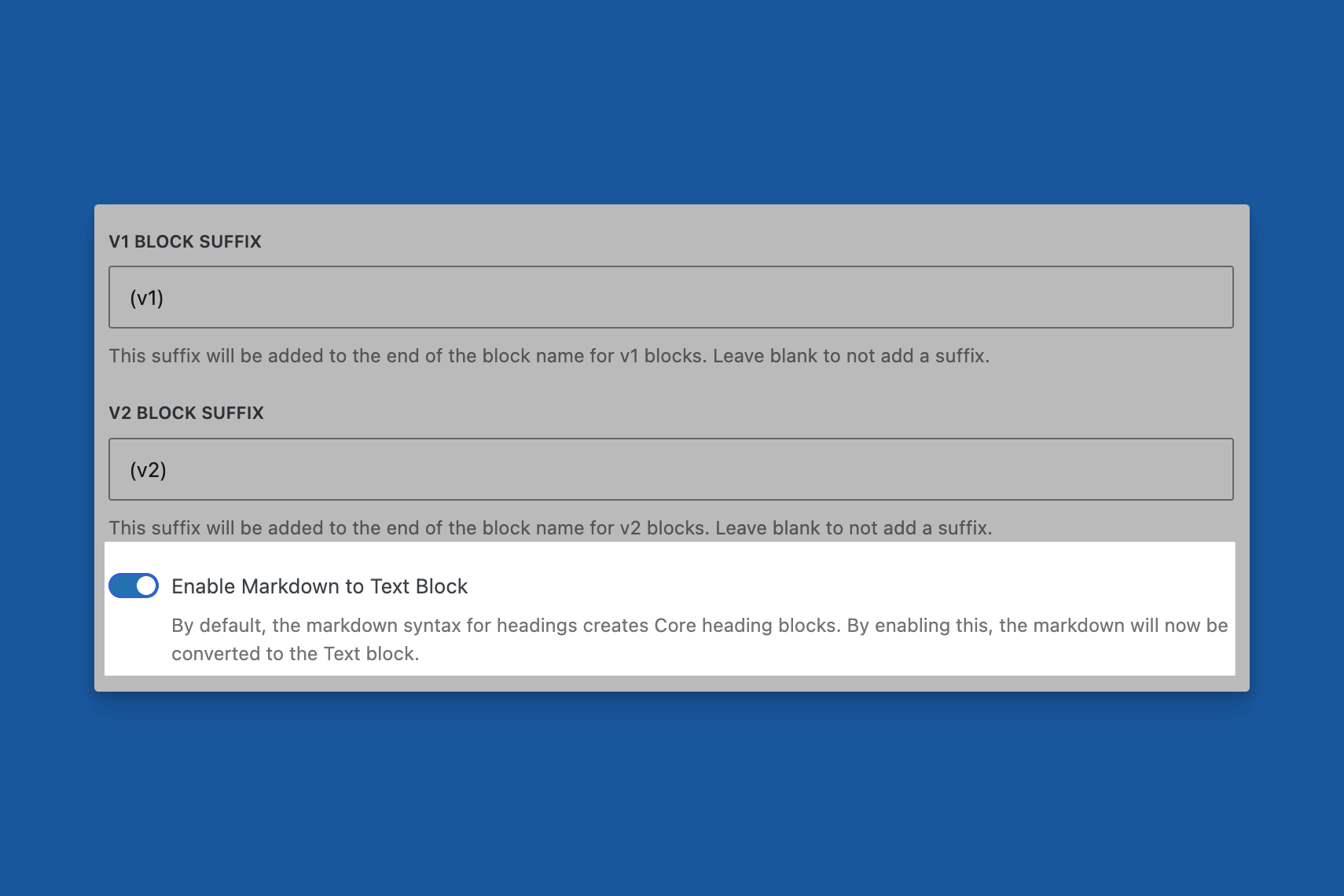
Markdown Admin Option in Shortcuts
WordPress normally turns a Markdown heading prefix into a core Heading block. With this option on, the same prefix creates a GenerateBlocks Text block instead.
It is off by default. Select Save Options, then open the editor again.
How to use it
In an empty paragraph in the block editor, type a heading prefix and a space, then the heading text. For example:
# TitleFor a top-level heading## Sectionfor the next level- Additional
#characters for deeper levels

Markdown to GenerateBlocks Headline Block
Press Enter or otherwise accept the markdown shortcut the same way you would for a core Heading. The result is a GenerateBlocks Text block.
Turn the option off again if you want markdown prefixes to create core Heading blocks.
 Process Pasted Patterns
 Post Type Styles
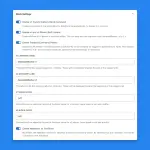 Block Settings
 Auto-Regenerate Styles on Save
 Adobe Fonts
 Admin Menu Bar