

Open GenerateBlocks → Shortcuts and use the Post Type Styles panel.
GenerateBlocks doesn’t create styles by default for all post types. Select which post types to generate styles for.
Check the post types that should receive GenerateBlocks styles. Uncheck a post type to leave GenerateBlocks styles off for that type.
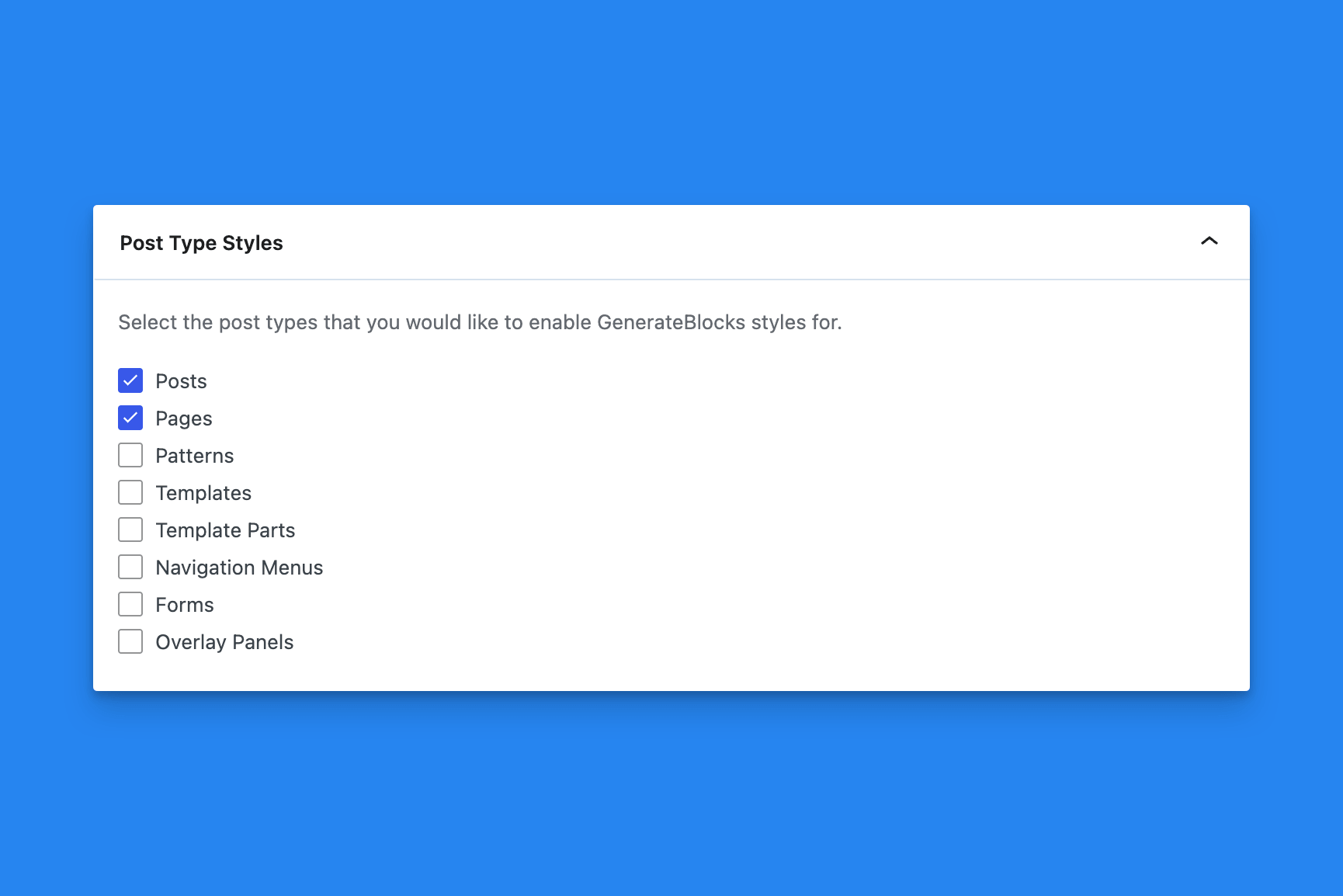
Posts and pages are checked by default. Any other public post type on the site is listed by its label and is unchecked until you select it.
This is a shortcut to enabling the GenerateBlocks filter generateblocks_do_content on your custom post types so that GenerateBlocks knows which styles to apply and when.
Select Save Options after you change the list.
This does not delete styles already saved on a block. It controls whether GenerateBlocks processes content for that post type.
Related
To clear cached CSS when a post type is saved, use Auto-Regenerate Styles on Save.
 Process Pasted Patterns
 Block Settings
 Markdown to Text
 Auto-Regenerate Styles on Save
 Adobe Fonts
 Admin Menu Bar