

Install and activate GenerateBlocks before this plugin. GenerateBlocks Pro is optional. Install it when you want the full admin-bar menu or Asset Library capture.
Requirements
- WordPress 7.0 or later
- PHP 8.2 or later
- GenerateBlocks
- GenerateBlocks Pro (optional)
GenerateBlocks Pro is Recommended
A GeneratePress One subscription is recommended, but not required for this plugin to work.
Install the plugin
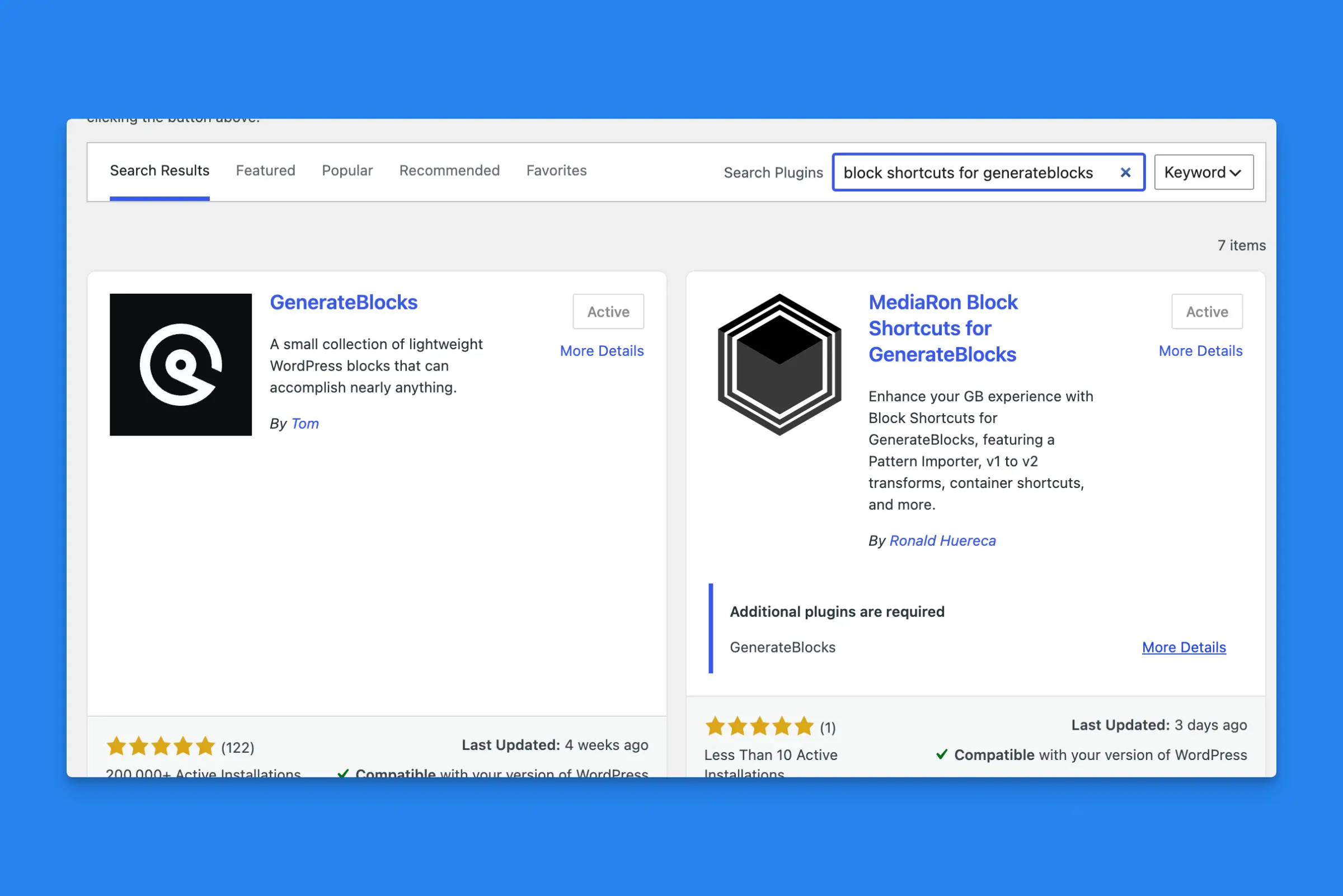
Add New Plugins Screen for the Block Shortcuts for GenerateBlocks plugin
- Install GenerateBlocks and GenerateBlocks Pro and activate it.
- Go to Plugins->Add New and search for “Block Shortcuts for GenerateBlocks.”
- Activate MediaRon Block Shortcuts for GenerateBlocks.
- Open GenerateBlocks → Shortcuts.
Only Administrators can open the Shortcuts screen.
What’s next
- Finding the Shortcuts settings explains each panel.
- Block menu tools are available in the editor as soon as the plugin is active. They do not have a separate on/off switch, except the 1.x to 2.x conversion, which you turn on under Block Settings.
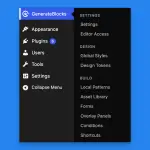 Finding the Shortcuts Settings
 Welcome to Block Shortcuts for GenerateBlocks